AI training for the whole team
Build a team culture that gets the benefit of AI, safely.
Your staff already use AI, unevenly. The AI Stairway™ gives everyone the same careful habits, one page of team rules and a 90-day plan for one workflow.

Written by Andrew Ward, founder of Scorchsoft. A person replies within 24 hours on working days, with no obligation.
The AI Stairway™ to Success
Where is your team today?
Seven steps, from personal tools with no agreed safeguards to AI at the heart of the business. The Foundation series takes everyone to shared best practice; the Advanced series takes the people who lead AI to the edge of embedded workflows.
- Step 0No formal AI adoptionPersonal tools, no agreed safeguards
- Step 1Approved AI accessOne approved assistant
- Step 2Informal professional useUseful, but personal
- Step 3Shared best practiceWritten once, used by everyone
- Step 4Reusable agentsConnected tools, run on their own
- Step 5Embedded workflowsIn the daily work, value measured
- Step 6AI-first strategyAI at the heart of the business
Foundation series · Modules 1 to 5
Advanced series · Modules 6 to 10, to the threshold of step 5
The next horizon
Why habits, not a policy alone
The costly habits don’t look like problems on the day
A one-off awareness session doesn’t change them, because habits change with practice. Every lesson of The AI Stairway™ is practice, in the AI tool your team already uses.
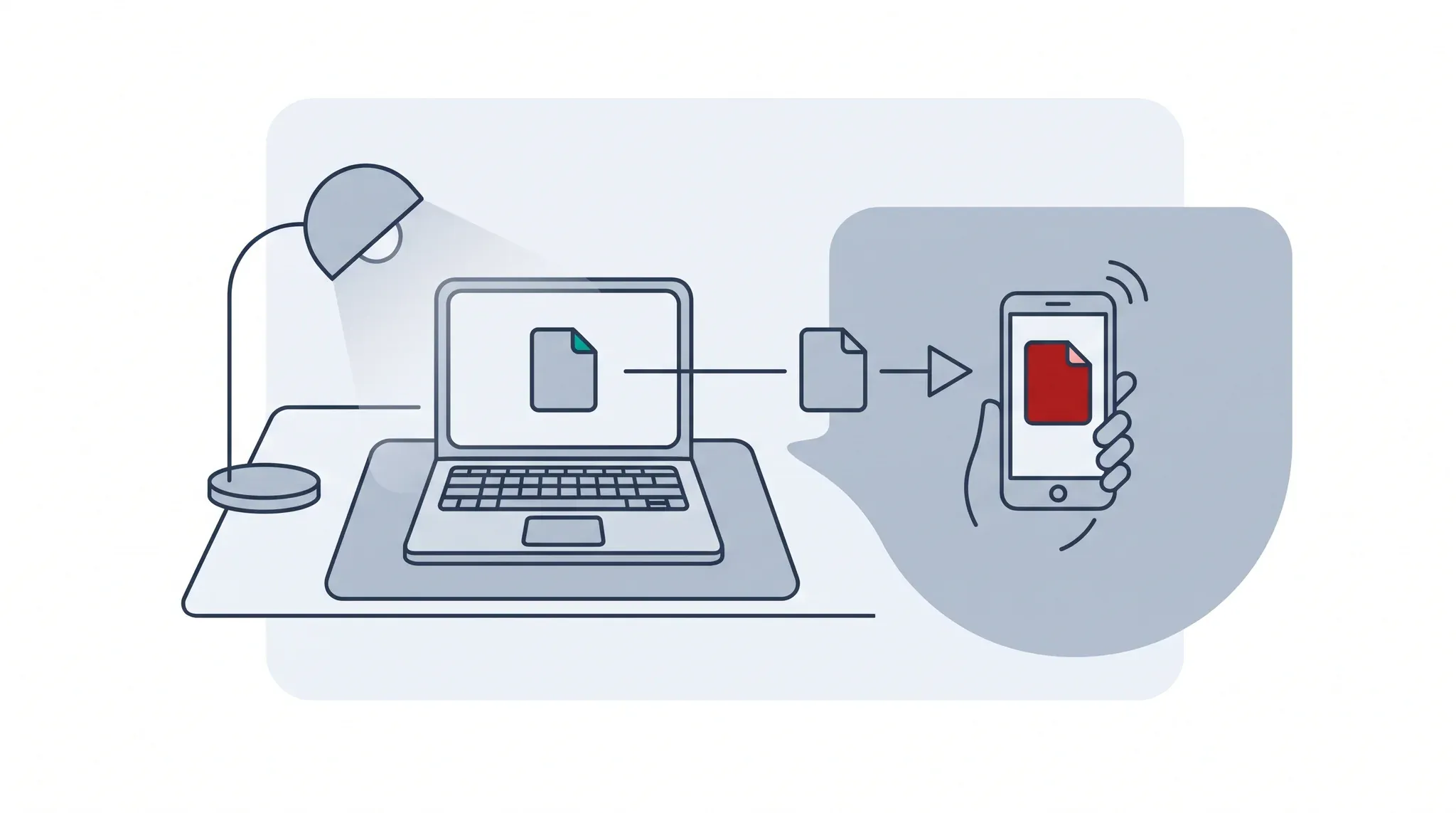
A client’s details pasted into a free app.
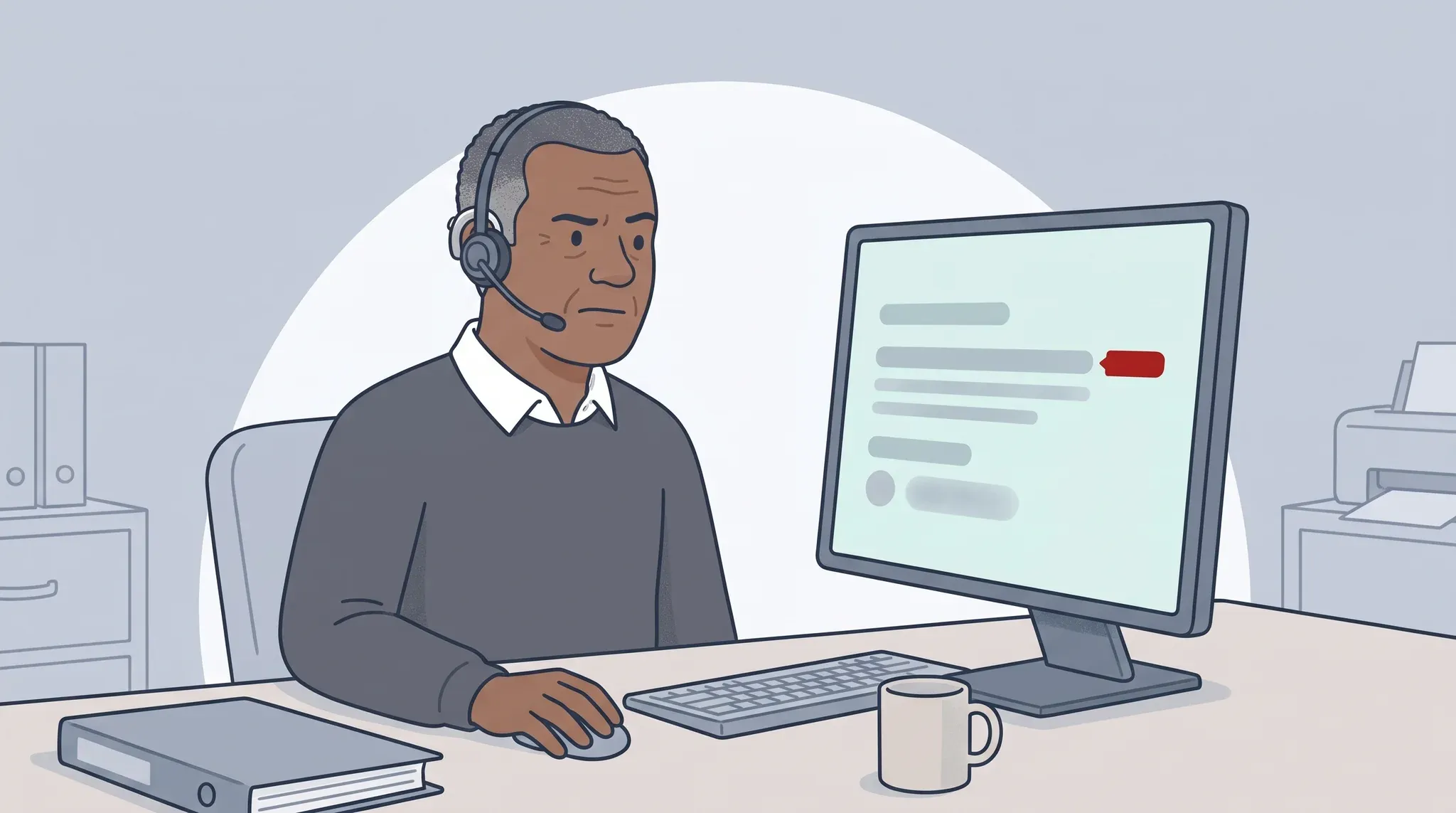
A confident summary that cites the wrong document.
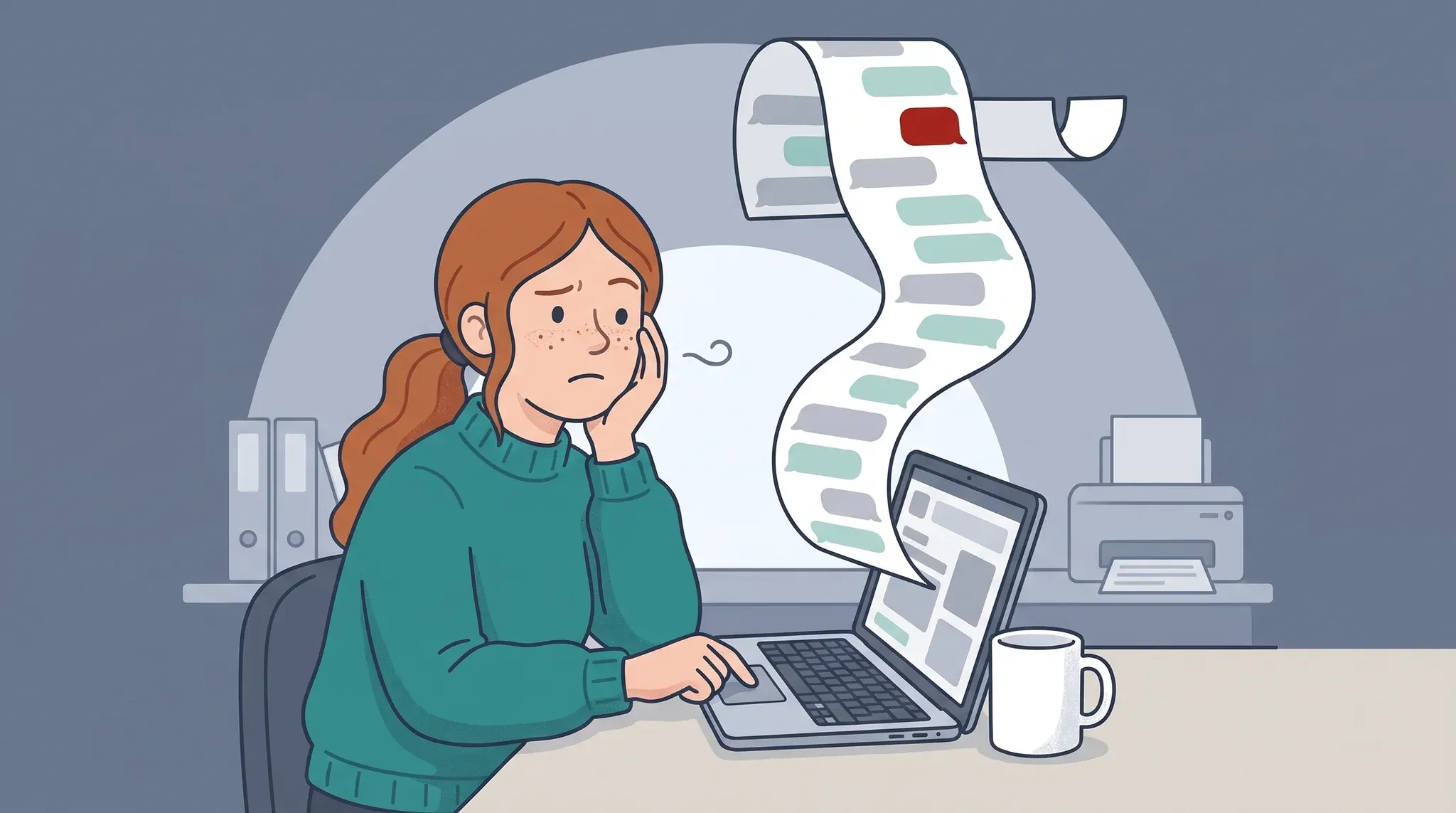
A three-week chat that’s quietly getting worse.
When nobody is sure what’s safe, everything waits
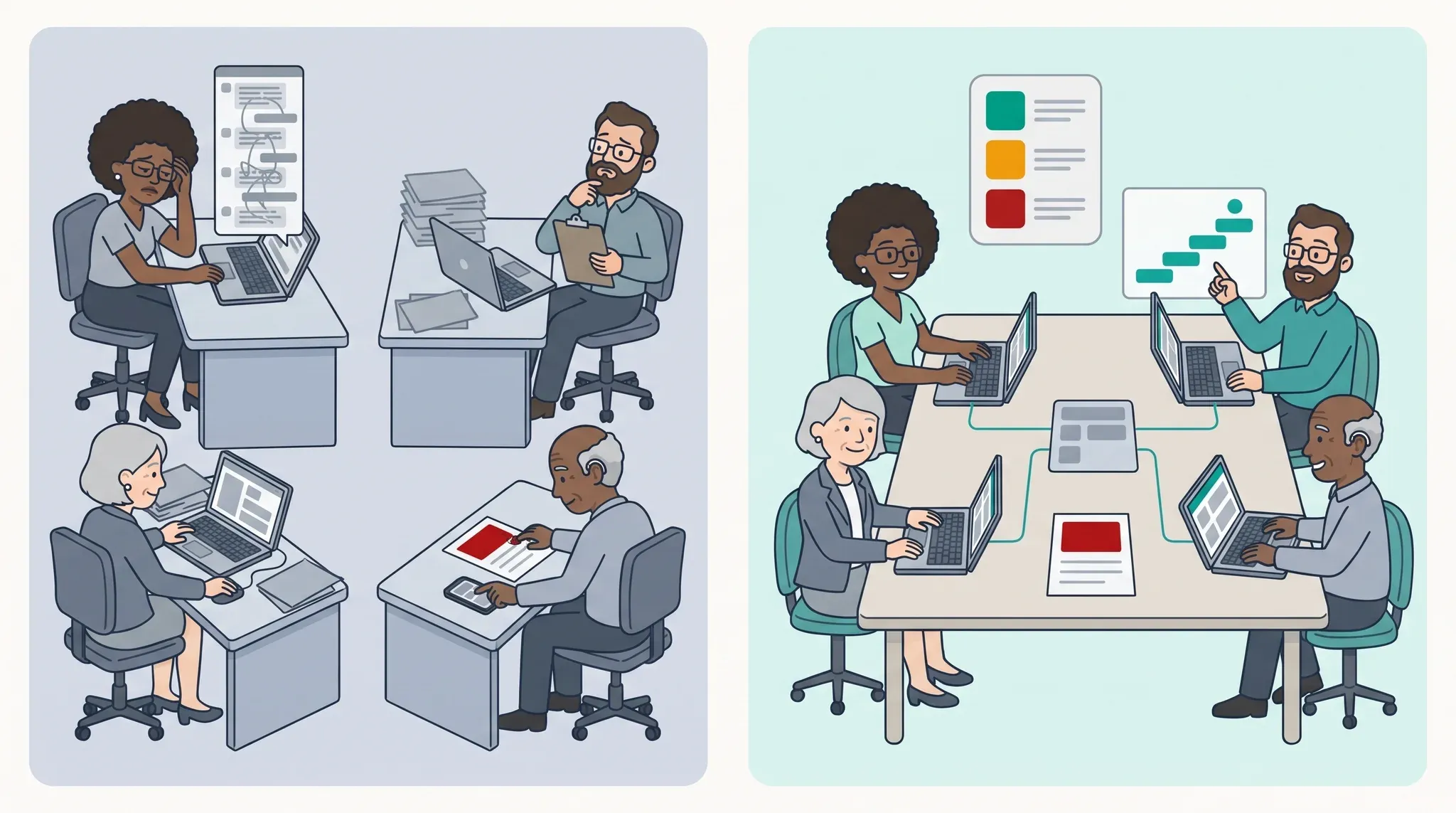
Someone wants AI connected to email and the CRM; IT is rightly worried about data and access. Without a shared way to weigh it, the answer is “not yet”, and the keen people slow down or go round the rules. Training everyone, not just the enthusiasts, lowers the bump: a yes comes with the right controls, and a no comes with a reason.
Only the keen few trained
- Requests queue upThe people keen on AI ask to connect it to email, files or the CRM.
- Nobody can say what’s safeIT and managers can’t yet weigh the risk, so the answer is “not yet”.
- The work goes round itPeople use their own tools anyway. That’s shadow AI, with no controls at all.
Everyone trained
- One shared languageEveryone knows what never goes in, and what a connection can reach.
- The right control for each taskRead, draft, ask before acting, or never, chosen by what’s at stake.
- Low-risk work goes aheadThe riskier parts get a control or a clear no, with a reason everyone understands.
What your team leaves with
Shared habits, written rules and a plan you can test

The same careful habits for everyone
What never goes into AI, what needs care, and how much to check before anything goes out, in plain green, amber and red guide lines to use alongside your own policy. The Foundation series, Modules 1 to 5.
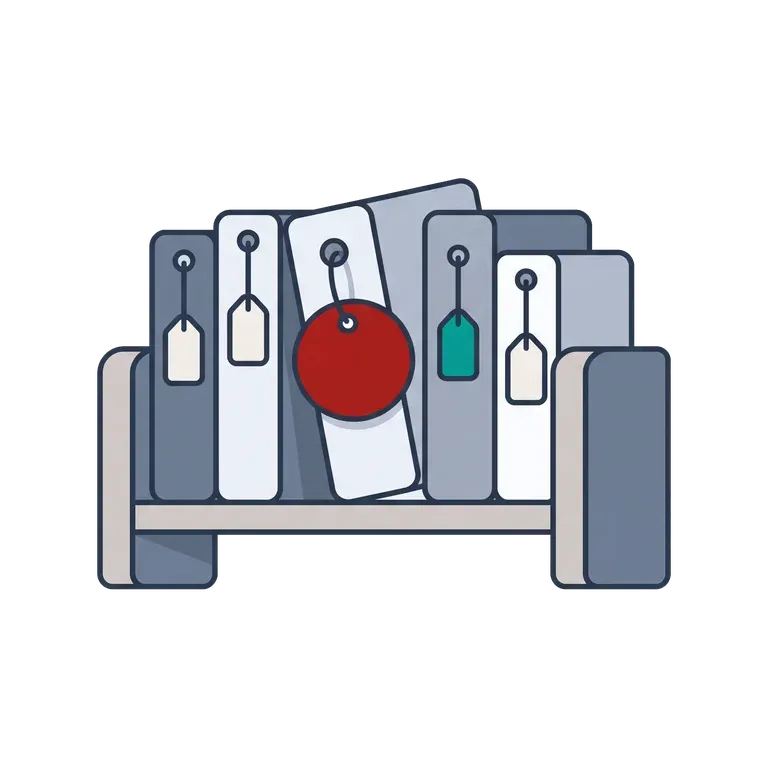
One page of team rules, and skills everyone can use
Your best people’s AI habits written down once, as skills the whole team shares, with a one-page rule on what’s allowed. Module 6.
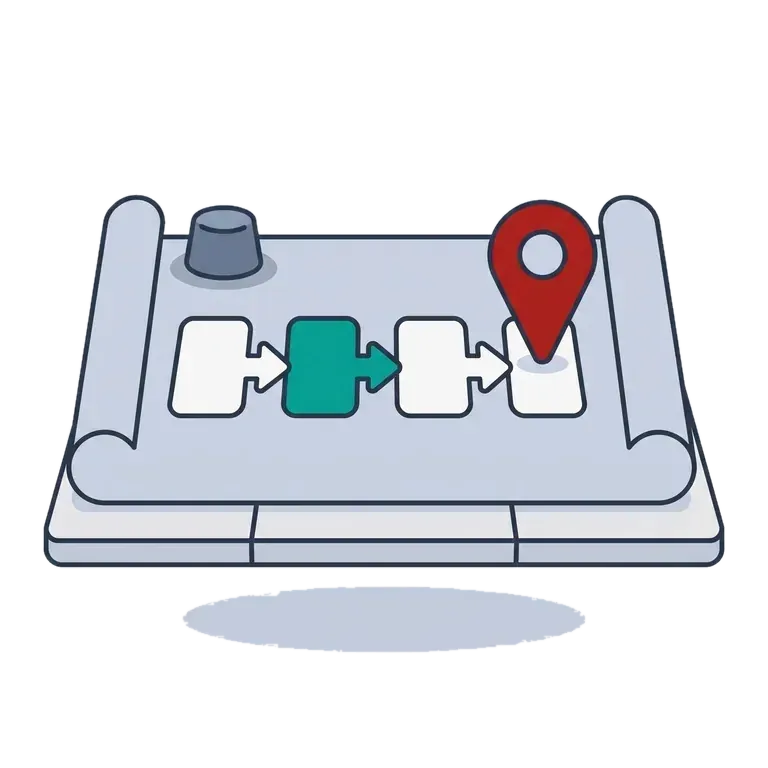
A workflow plan with a 90-day test
Your people pick the AI idea worth doing, plan a 90-day test with a baseline and a stop rule, and specify the workflow for whoever decides. Module 10.
How it works for teams
Tell us about your team
How many people, who they are, and what you want them to get out of it.
We set them up
Send names and emails. Everyone gets an account and starts with the free module.
They learn at their own pace
Under an hour a module, on phone or desktop, with their place saved.
You see the progress
Who has started, who has finished, and their check scores, in one view.
The team page helps you show that staff are competent with the AI tools you give them.
It supports AI literacy duties under Article 4 of the EU AI Act, if your organisation’s AI use touches the EU.
Why this, not another AI course
- How long
- Usually: One short video, done in one sitting
- The AI Stairway: Ten modules, each under an hour, in 11 to 16 minute lessons, at your own pace
- What you do
- Usually: Watch: what AI is, or where one product’s buttons are
- The AI Stairway: Practise in your own AI tool in every lesson
- Safety
- Usually: Generic warnings, or the tool maker’s own guidance
- The AI Stairway: Clear green, amber and red lines for staff and managers
- Which tools
- Usually: None, or only the maker’s own
- The AI Stairway: Any: Copilot, ChatGPT, Gemini, Claude and the rest
- Where it ends
- Usually: Awareness, and a certificate for watching
- The AI Stairway: Team rules, shared skills and a 90-day plan for one workflow

Who wrote it
From the coal face
Andrew builds AI products for clients every week, and rolled AI out across his own team at Scorchsoft (opens in a new tab). The AI Stairway™ is what he learned there: the habits that work, the ones that cost, and the order to learn them in.
- · Founded Scorchsoft (opens in a new tab) in 2010: software and AI products for start-ups to multinationals
- · Rolled out AI across his own team, and builds AI agents and workflows for clients
- · First-class degree in Computer Science with Business Management, University of Birmingham
- · Author of The Control Standard (opens in a new tab)
Scorchsoft has built software and apps for organisations including Dragonfly Intelligence, Gapped, SensTrain and Mosaic Masterpieces.
Team prices
Less per person as your team grows
Prices are per learner. Pay online by card, or by invoice with a purchase order. If your first paid module isn’t worth it, tell us within 30 days and we’ll refund it.
Foundation for everyone, Advanced for a few?
It’s a common mix. Tell us your numbers and we’ll put a team proposal together.
- Invoice and purchase orders
- Places move when people leave or join
- Your own learning platform (SCORM) for larger orders
- A discount for charities
The whole AI Stairway™, per learner
All ten modules, plus VAT if you can reclaim it. Every learner starts free.
| 1 learner | £500 |
|---|---|
| 2 to 4 learners | £450save 10% |
| 5 to 19 learners | £400save 20% |
| 20 to 49 learners | £350save 30% |
| 50 or more | £300save 40% |
Just the Foundation series for everyone, or something different? Tell us what you need and we’ll put a team proposal together.
Talk to us
Tell us about your team
A person on our team replies within 24 hours on working days with a team proposal. No obligation: nothing is ordered until you say so.
Thank you. Your message is with us.
We’ll reply within 24 hours on working days. A copy is in your inbox.
While you wait, you can try the free introductory module yourself.
Try the free moduleTry it first
Take the free introductory module yourself, about 22 minutes, before you decide.
Try the first module freeReady to buy?
Choose the modules and the number of people, then pay by card or ask for an invoice.
Buy licencesQuestions teams ask
Our IT team is wary of connecting AI to email and our CRM. Will this help?
Yes. That caution is reasonable, and it’s the situation the Advanced series is written for. Module 8 covers what a connection to email, files and calendar can reach, the “lethal trifecta” that makes a set-up risky, and how to choose the right control for each task: read, draft, ask before acting, or never. Module 9 covers trust levels for AI agents and which rules need to live in code. It works best when IT and managers take it alongside the people asking, so both sides weigh a request the same way: a yes comes with the right controls, and a no comes with a reason.
Why train everyone, not just the people keen on AI?
Because the people keen on AI usually aren’t the ones who decide what’s allowed. If only they are trained, every request meets someone who can’t yet judge the risk, so the safe answer is “not yet” and the work waits, or goes round the rules. When everyone shares the same habits and the same terms, low-risk work can go ahead and the harder questions get answered quickly.
Can we make the training a condition of wider AI access?
Yes, and it’s a sensible rule. Your team page shows who has finished each module and their check score, so you could, for example, give someone an AI assistant connected to their email only once they’ve finished Module 8. Your own policy sets the rule; the course gives you the record.
Can we put the course in our own learning platform (LMS)?
Yes, for larger orders. Every module is a SCORM 1.2 package (SCORM 2004 on request), which works in most learning platforms. If you’re ordering for enough people, we can agree a licence that puts the modules in your own LMS, with your completions and scores recorded there. Tell us your platform and roughly how many learners, and we’ll put a proposal together. For smaller teams, your people use this site and you see their progress here. Training company wanting to offer it to your own customers? See our Partners page.
Our platform uses a different e-learning format, such as xAPI, cmi5 or AICC. Can you support it?
Yes. Tell us which format your platform needs when you get in touch, and we’ll include it in your proposal.
How do our people get access?
Send us their email addresses. We add them to your organisation and they get an invitation. As soon as each person confirms their email, the modules you’ve bought are in their account. Everyone can start with the free introductory module straight away.
Can I see how my team is getting on?
Yes. Managers get a team page showing who has started, who has finished, and how they scored on each module’s check.
What if someone leaves, or joins later?
Tell us and we’ll move the place. Someone who leaves keeps their own account but loses your organisation’s modules, and the place can go to someone new.
Can different people take different series?
Yes. A common mix is the Foundation series for everyone and the Advanced series for the people who will lead AI in the team. Tell us what you have in mind and we’ll price it.
Do you offer a discount for charities?
Yes. Charities and not-for-profit organisations get a discount, and it comes on top of the team price, so a larger team in the charitable sector gets both. If you’re a charity or not-for-profit, tell us when you get in touch and we’ll include the discount in your proposal.
Can Scorchsoft help us build the workflow afterwards?
Yes, if you want it. Building software and AI workflows is Scorchsoft’s day job. You’ll be offered a free strategy call when it makes sense, and “not yet” is one of the answers.
How do we pay?
By invoice, as you would any supplier, with a purchase order if you use them. We reply within 24 hours with a proposal. If your first paid module isn’t worth it, tell us within 30 days and we’ll refund it.
Something else? Ask us in the form above, or see the contact page.